Shiftlock not working in Die of Death: setting and troubleshooting
Die of Death lists Shiftlock as Left Control; Roblox camera settings may also affect whether it changes the view. Follow the checks and understand what the option cannot fix.
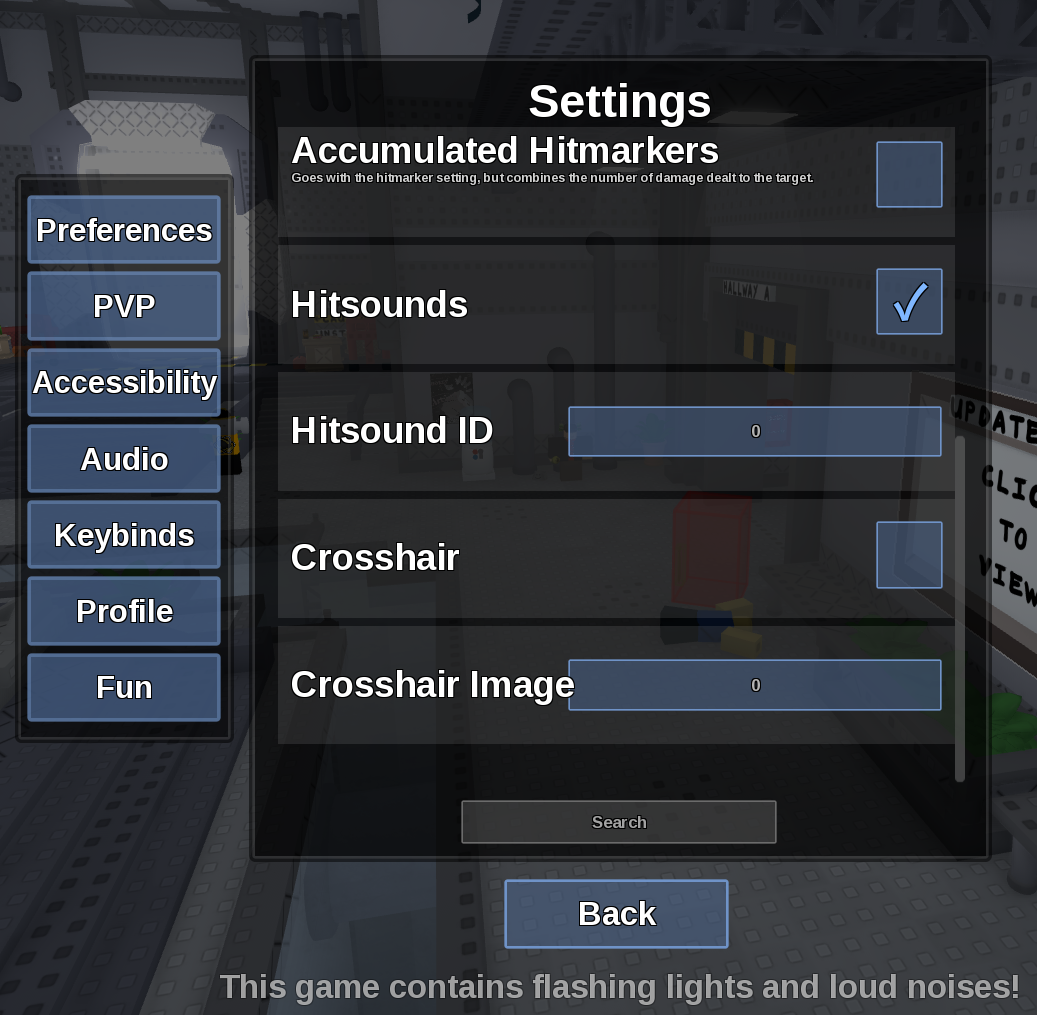
Direct answer
Die of Death lists Shiftlock as Left Control; Roblox camera settings may also affect whether it changes the view.
Location: Settings > Keybinds
Verified facts
- Menu location: Settings > Keybinds.
- Captured default or control: Left Control.
- Restore Left Control, resume the game, click the viewport and test outside a text field or menu.
Checks in order
- Open the in-game Settings panel and go to Keybinds.
- Restore Left Control, resume the game, click the viewport and test outside a text field or menu.
- Close and reopen Settings, then rejoin once if persistence is the symptom.
Source, review and limitations
Reviewed on September 9, 2026. In-game Settings panel captured in August 2026.
Device and Roblox client camera support are outside this game's settings panel.
Related pages
- Change keybinds
Open Keybinds, select one action and press the replacement key without reusing a key needed elsewhere.