Change keybinds in Die of Death: setting and troubleshooting
Open Keybinds, select one action and press the replacement key without reusing a key needed elsewhere. Follow the checks and understand what the option cannot fix.
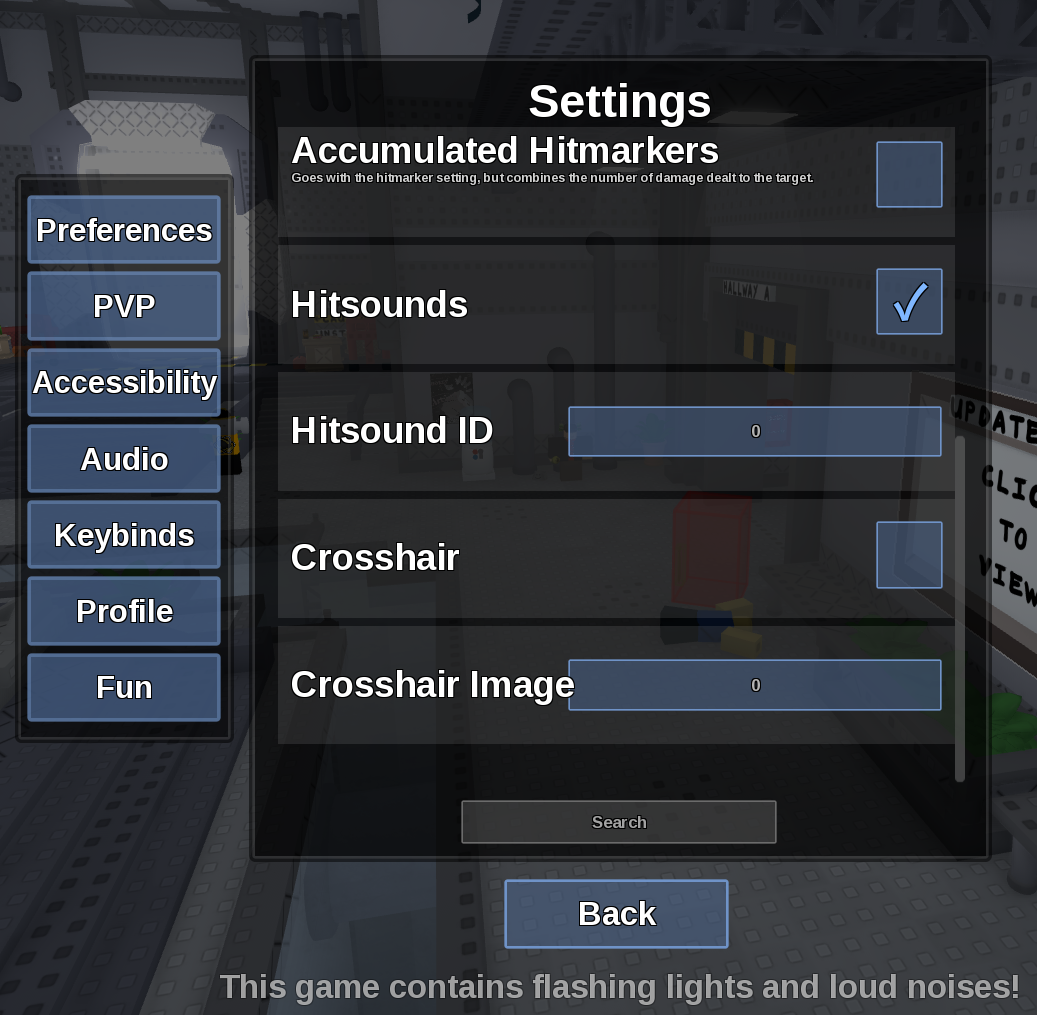
Direct answer
Open Keybinds, select one action and press the replacement key without reusing a key needed elsewhere.
Location: Settings > Keybinds
Verified facts
- Menu location: Settings > Keybinds.
- Captured default or control: M1, Q, E, R, T, Y.
- Change one bind at a time, test it in a round, and use Reset if the input becomes inaccessible.
Checks in order
- Open the in-game Settings panel and go to Keybinds.
- Change one bind at a time, test it in a round, and use Reset if the input becomes inaccessible.
- Close and reopen Settings, then rejoin once if persistence is the symptom.
Source, review and limitations
Reviewed on September 9, 2026. In-game Settings panel captured in August 2026.
Roblox platform controls can still reserve keys outside the game's own list.
Related pages
- Shiftlock not working
Die of Death lists Shiftlock as Left Control; Roblox camera settings may also affect whether it changes the view.