Shiftlock not working en Die of Death: ajuste y solución
Qué comprobar en Shiftlock not working, dónde se encuentra y qué no puede corregir.
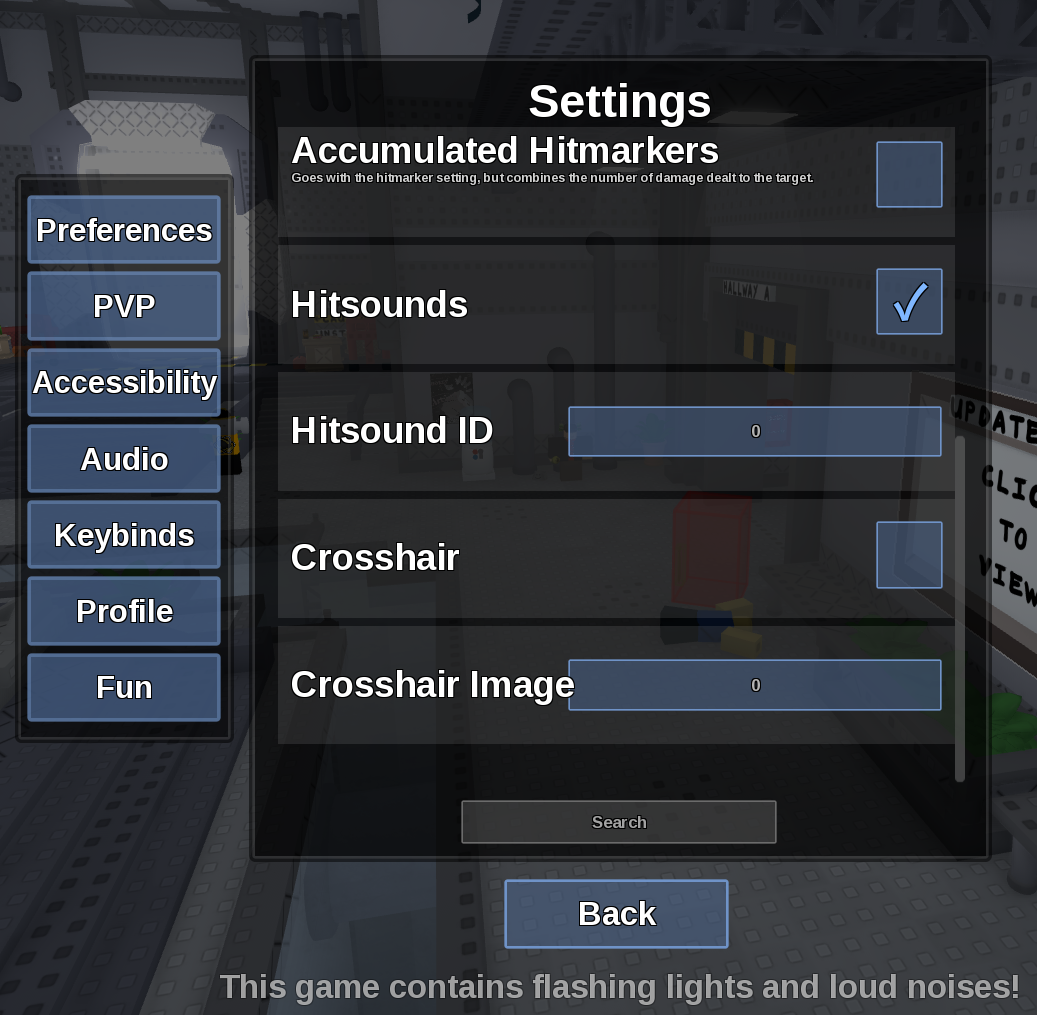
Respuesta directa
Shiftlock not working se encuentra en Settings > Keybinds. Cambia una opción cada vez y comprueba el resultado dentro de una ronda.
Datos verificados
- Texto técnico verificado en inglés: “Menu location: Settings > Keybinds.”
- Texto técnico verificado en inglés: “Captured default or control: Left Control.”
- Texto técnico verificado en inglés: “Restore Left Control, resume the game, click the viewport and test outside a text field or menu.”
Comprobación práctica
- Abre Settings > Keybinds.
- Cambia solo el control relacionado y repite la prueba.
- Cierra el menú y vuelve a entrar una vez si el valor no persiste.
Fuente revisada
Contenido revisado el 9 de septiembre de 2026. In-game Settings panel captured in August 2026.
Límites de la evidencia: Límite registrado: Device and Roblox client camera support are outside this game's settings panel.