Disable Map Effects in Die of Death: setting and troubleshooting
Turn Map Effects off to remove supported weather rendering such as rain or snow. Follow the checks and understand what the option cannot fix.
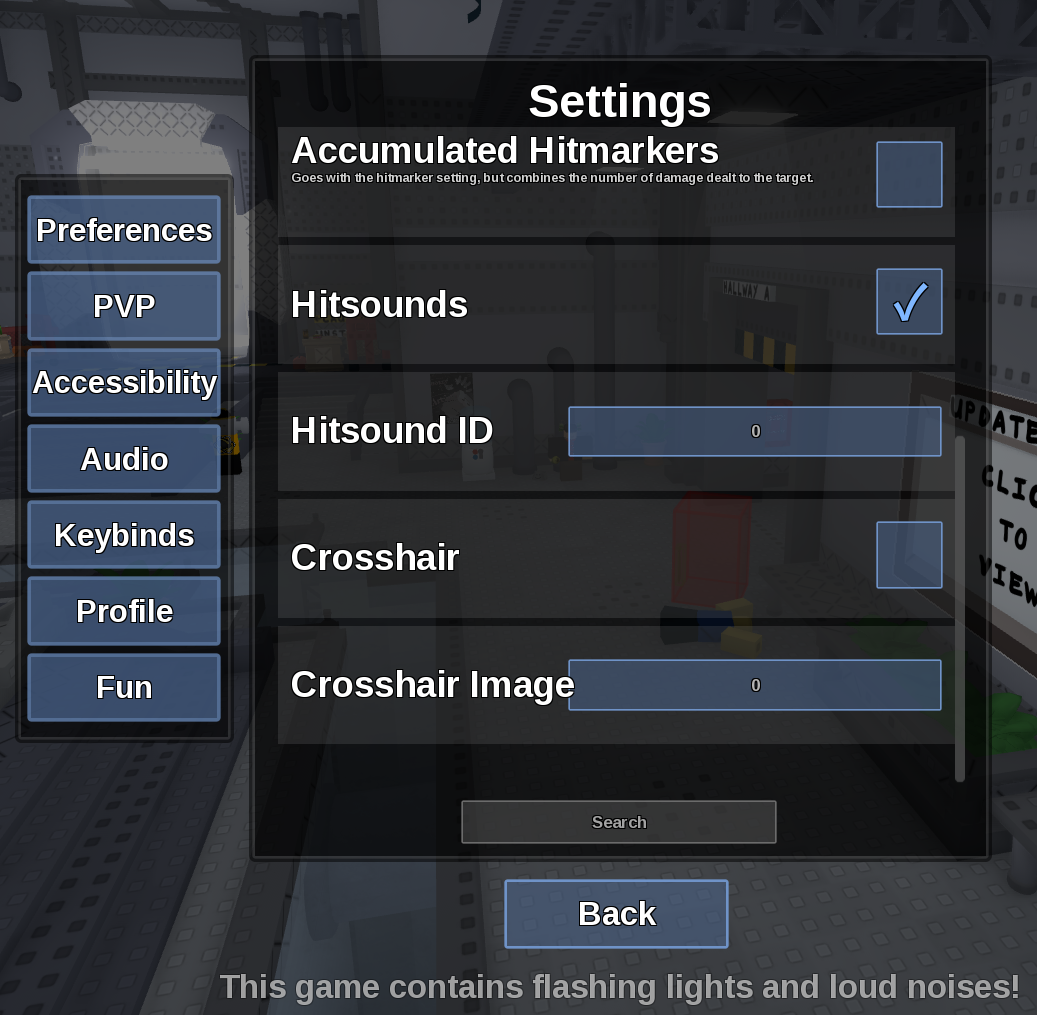
Direct answer
Turn Map Effects off to remove supported weather rendering such as rain or snow.
Location: Settings > Accessibility
Verified facts
- Menu location: Settings > Accessibility.
- Captured default or control: Toggle.
- Disable the option before loading a map, then compare visibility and performance after the next map starts.
Checks in order
- Open the in-game Settings panel and go to Accessibility.
- Disable the option before loading a map, then compare visibility and performance after the next map starts.
- Close and reopen Settings, then rejoin once if persistence is the symptom.
Source, review and limitations
Reviewed on September 9, 2026. In-game Settings panel captured in August 2026.
Map geometry and essential gameplay hazards remain visible.
Related pages
- Turn off Camera Shake
Disable Camera Shake in Accessibility to reduce motion from attacks and effects.
- Reduce lag with Low Detail Mode
Low Detail Mode simplifies game visuals and is the first in-game option to try for rendering-related slowdown.
- Turn off blood
Set Blood to Off, or Low if you only want reduced intensity.
- Epilepsy Mode
Epilepsy Mode reduces flashing effects, but the game itself warns that playing with such a condition is not recommended.
- Disable LMS Effects
Turn LMS Effects off to reduce special Last Man Standing visuals.