Kind Mode in Die of Death: setting and troubleshooting
Kind Mode stops you from being selected as Killer and prevents Evilness gain. Follow the checks and understand what the option cannot fix.
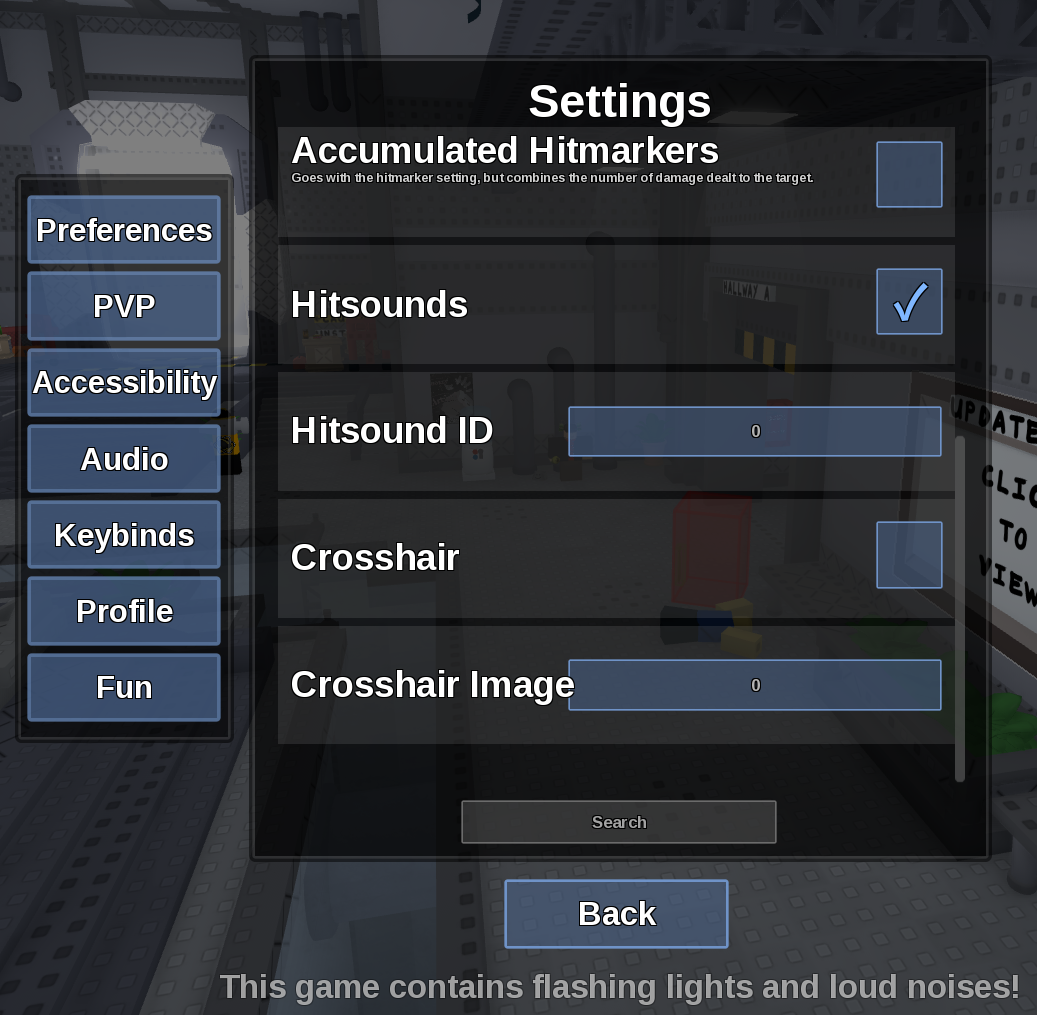
Direct answer
Kind Mode stops you from being selected as Killer and prevents Evilness gain.
Location: Settings > Preferences
Verified facts
- Menu location: Settings > Preferences.
- Captured default or control: Off.
- Turn it on before the next role selection and verify your preference across several rounds.
Checks in order
- Open the in-game Settings panel and go to Preferences.
- Turn it on before the next role selection and verify your preference across several rounds.
- Close and reopen Settings, then rejoin once if persistence is the symptom.
Source, review and limitations
Reviewed on September 9, 2026. In-game Settings panel captured in August 2026.
It changes role eligibility and progression; it is not a difficulty setting for Killer opponents.
Related pages
- Field of View
Field of View changes how much of the scene is visible around the camera.
- Camera Point
Camera Point chooses whether the camera tracks the Torso or Head.
- AFK Mode
AFK Mode lets you stay idle without being pulled into a round.