AFK Mode in Die of Death: setting and troubleshooting
AFK Mode lets you stay idle without being pulled into a round. Follow the checks and understand what the option cannot fix.
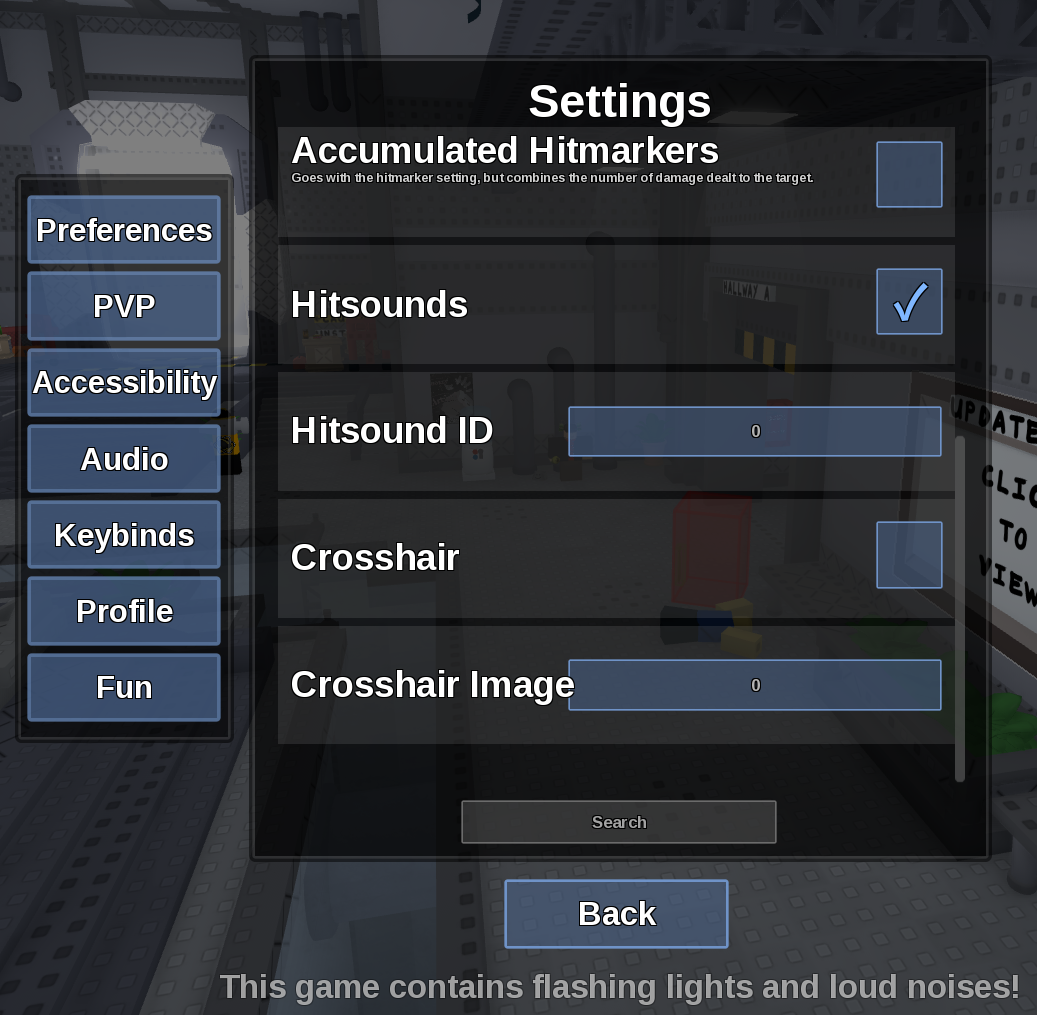
Direct answer
AFK Mode lets you stay idle without being pulled into a round.
Location: Settings > Preferences
Verified facts
- Menu location: Settings > Preferences.
- Captured default or control: Toggle.
- Enable it from the main menu before matchmaking and confirm the next round does not assign you.
Checks in order
- Open the in-game Settings panel and go to Preferences.
- Enable it from the main menu before matchmaking and confirm the next round does not assign you.
- Close and reopen Settings, then rejoin once if persistence is the symptom.
Source, review and limitations
Reviewed on September 9, 2026. In-game Settings panel captured in August 2026.
It does not promise that Roblox will keep an inactive client connected indefinitely.
Related pages
- Field of View
Field of View changes how much of the scene is visible around the camera.
- Camera Point
Camera Point chooses whether the camera tracks the Torso or Head.
- Kind Mode
Kind Mode stops you from being selected as Killer and prevents Evilness gain.