Sprint Toggle not working in Die of Death: setting and troubleshooting
Sprint depends on both Sprint Toggle behavior and the Sprint keybind, so check the toggle and Left Shift binding together. Follow the checks and understand what the option cannot fix.
Direct answer
Sprint depends on both Sprint Toggle behavior and the Sprint keybind, so check the toggle and Left Shift binding together.
Location: Settings > Preferences / Keybinds
Verified facts
- Menu location: Settings > Preferences / Keybinds.
- Captured default or control: Sprint = Left Shift.
- Restore Sprint to Left Shift, switch Sprint Toggle once, then test with enough stamina in a live round.
Checks in order
- Open the in-game Settings panel and go to Preferences / Keybinds.
- Restore Sprint to Left Shift, switch Sprint Toggle once, then test with enough stamina in a live round.
- Close and reopen Settings, then rejoin once if persistence is the symptom.
Source, review and limitations
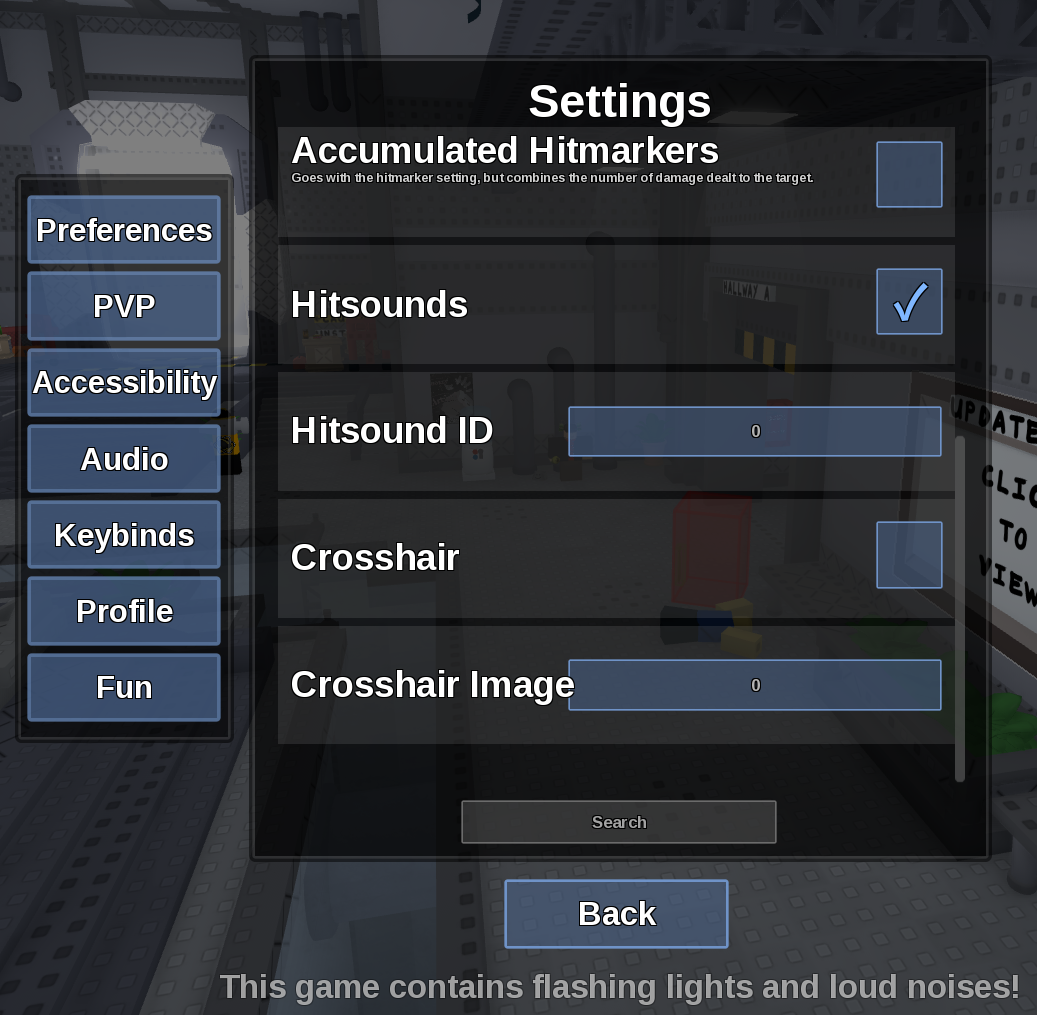
Reviewed on September 9, 2026. In-game Settings panel captured in August 2026.
Low stamina or round-specific movement effects can look like a broken keybind.