Settings not saving in Die of Death: setting and troubleshooting
If several settings reset at once, first distinguish a server-session reset from one option rejecting an invalid value. Follow the checks and understand what the option cannot fix.
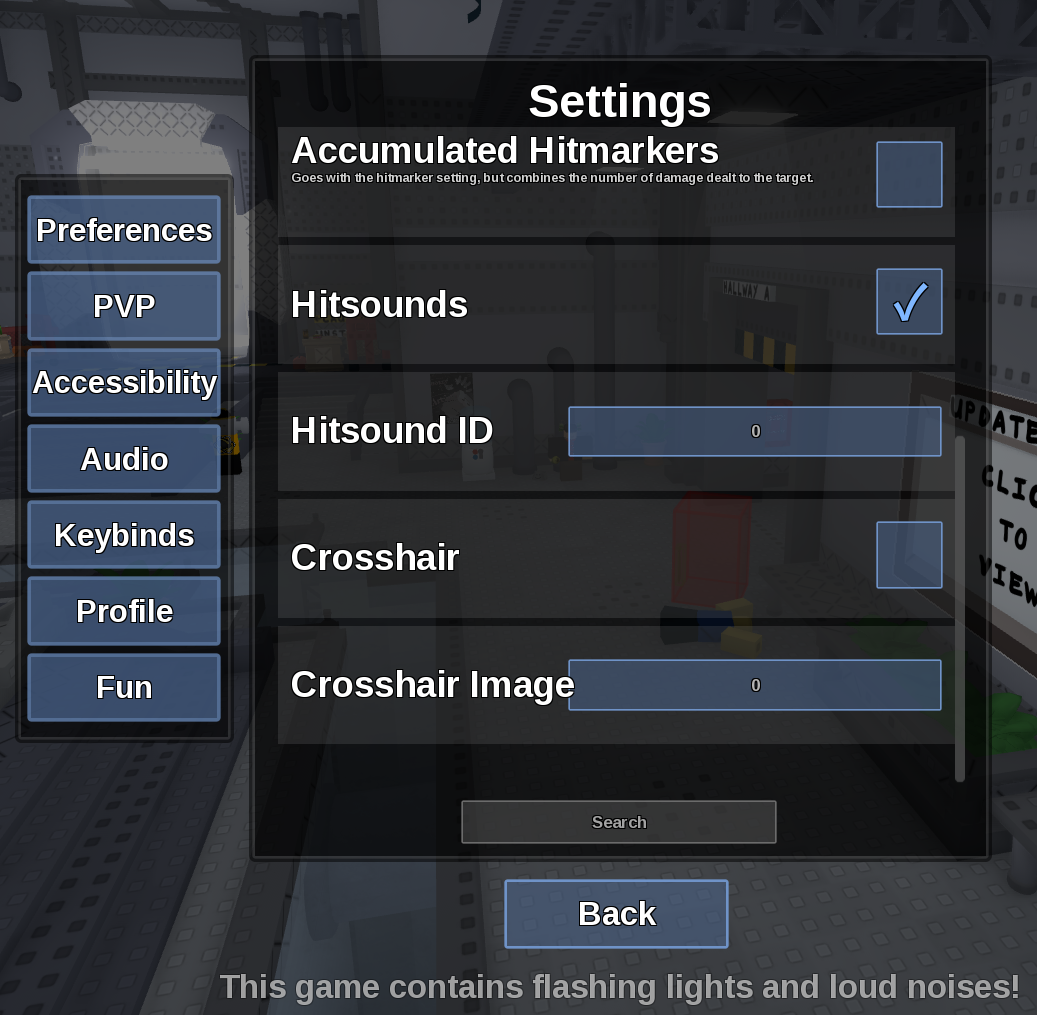
Direct answer
If several settings reset at once, first distinguish a server-session reset from one option rejecting an invalid value.
Location: Settings > Settings
Verified facts
- Menu location: Settings > Settings.
- Captured default or control: Varies.
- Change one option, close Settings, reopen it, then rejoin once and check the same option before changing anything else.
Checks in order
- Open the in-game Settings panel and go to Settings.
- Change one option, close Settings, reopen it, then rejoin once and check the same option before changing anything else.
- Close and reopen Settings, then rejoin once if persistence is the symptom.
Source, review and limitations
Reviewed on September 9, 2026. In-game Settings panel captured in August 2026.
The menu does not expose a manual save button or a visible cloud-sync status.