Automatic Deck Selection in Die of Death: setting and troubleshooting
Automatic Deck Selection lets the game choose an ability deck at round start. Follow the checks and understand what the option cannot fix.
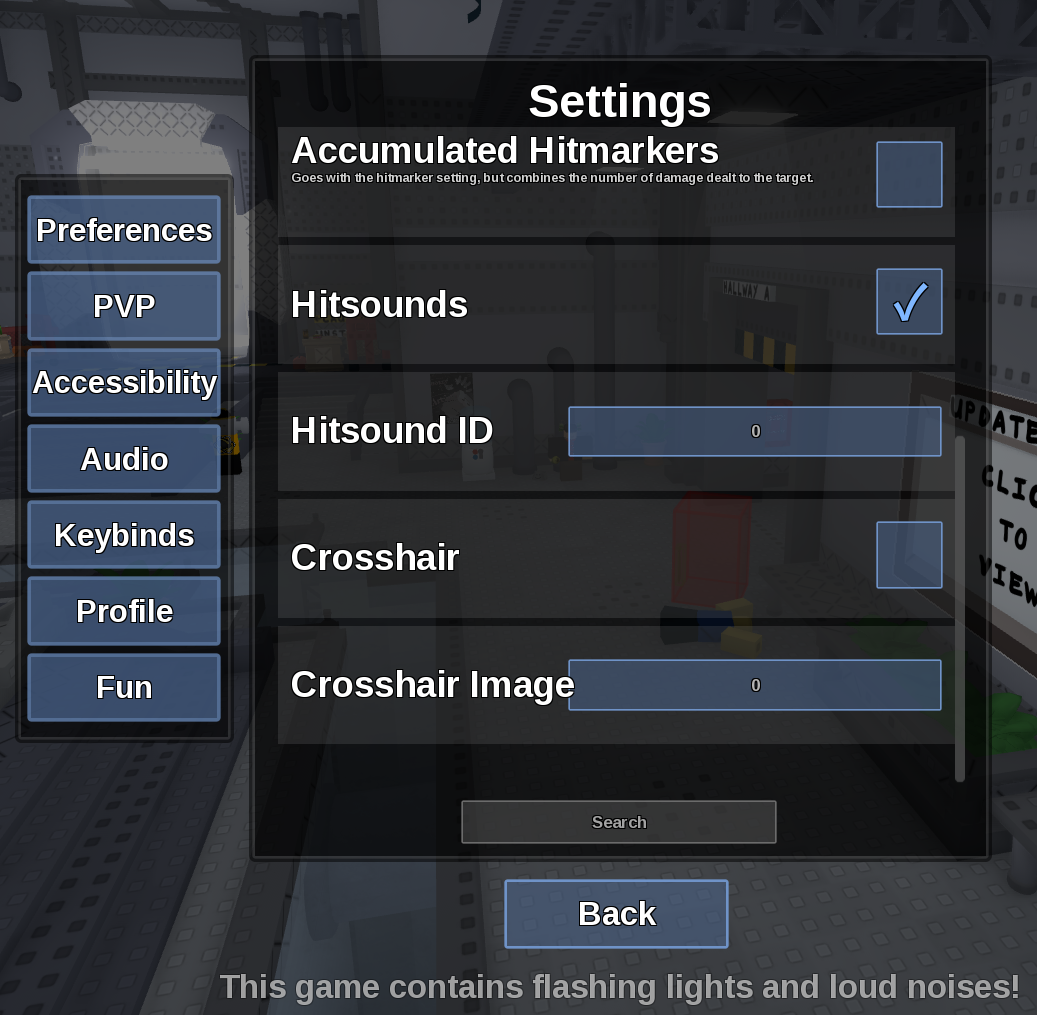
Direct answer
Automatic Deck Selection lets the game choose an ability deck at round start.
Location: Settings > Fun
Verified facts
- Menu location: Settings > Fun.
- Captured default or control: Toggle.
- Enable it before role selection and compare the assigned cards when the next round loads.
Checks in order
- Open the in-game Settings panel and go to Fun.
- Enable it before role selection and compare the assigned cards when the next round loads.
- Close and reopen Settings, then rejoin once if persistence is the symptom.
Source, review and limitations
Reviewed on September 9, 2026. In-game Settings panel captured in August 2026.
Automatic selection does not guarantee a synergy or a competitively optimal deck.